

-
×
 Business Fashion Men's Watches Quartz Watch Band Wristwatch Dress Watches
- Vendor:
-
×
Canon Eos 5D Mark Iv Dslr Camera Fast Versatile Full Frame Camera 30.4 Mp 4K Wi-Fi Gps
- Vendor:
-
×
The Best of Dale Carnegie (Set of 5 Books)
- Vendor:
-
×
Original Crocs Classic Platform Clog W womens Clog, White, 40 EU
- Vendor:
-
×
Eujgoov 4PCS NFC Silicone Wristbands Flexible Rewritable Access Control Bracelets for Pool Sauna Room Hotel Elevator Campus Card Parking Lot
- Vendor:
-
×
Electric Stainless Steel Kettle with Power Indicator Light and Boil Dry Protection 1.5 L 1800 W KESS4008_NB Navy Blue
- Vendor:
-
×
HP 2024 Newest 15 Business Laptop With 15.6" FHD Display, Intel Core i3-1315U Processor |8GB DDR4 RAM |512GB NVMe SSD |Intel Iris Xe Graphics |Backlit Keyboard |Windows 11 Natural silver
- Vendor:
-
×
12 X 12-Inch Ac Cardstock Pad By American Crafts | Includes 48 Sheets Of Heavy Weight, Smooth In Various Primary Colors
- Vendor:
-
×
Fashion Shoulder Bag | Purple
- Vendor:
-
×
Samsung S9 2 Sim
- Vendor:
-
×
Smart Watch for Men Fitness Tracker: (Answer/Make Call) IP68 Waterproof Smartwatch for Android iOS Phone Sport Running Digital Watches with Heart Rate Blood Pressure Sleep Monitor Step Counter Round
- Vendor:
-
×
Contigo SnapSeal Insulated Stainless Steel Travel Mug with Grip 2-Pack, 20 oz., Blue Corn Transparent Satin & Midnight Berry
- Vendor:
-
×
Microsoft Surface Laptop Studio With 14" Pixelsense Display/Intel I5-11300H Processor/16Gb Ram/256Gb Ssd/Windows 11 Home/Platinum - [Thr-00013]
- Vendor:
-
×
1 Pack LM2596S LED Constant Current & Constant Voltage Driver Power Supply Module
- Vendor:
-
×
Lattafa Ameer Al Oudh Intense Oud Eau De Parfum, 100 Ml
- Vendor:
-
×
EXCOVIP Mouse Pad, Non-Slip PU Leather Desk Pad Waterproof Desk Pad Protector, Desk Writing Mat for Office Home, Small Size (Black)
- Vendor:
-
×
Tommy Hilfiger ESSENTIALS Men Watch, Analog
- Vendor:
-
×
Airpods 4 | Earbuds Bluetooth Headphones with Active Noise Cancellation Adaptive Audio Personalized Spatial AudioUSB-C Charging Case.
- Vendor:
-
×
Dr Teal's Body Lotion Citrus, 532 ml (Pack of 2)
- Vendor:
-
×
Flower Fusia stud Earrings
- Vendor:
-
×
 Wintouch M18, 10" IPS/4G-LTE, 2GB RAM, 32GB ROM, 4000MAH/5M CAM, Android 8.1
- Vendor:
-
×
2Pcs Replacement Earpads Ear Pad Cushion for Beats Solo 2/3 On Ear Wireless Headphones Black
- Vendor:
 Business Fashion Men's Watches Quartz Watch Band Wristwatch Dress Watches
 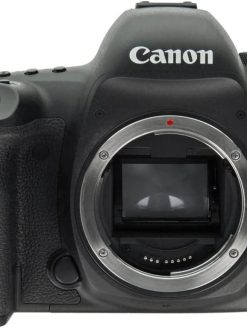 Canon Eos 5D Mark Iv Dslr Camera Fast Versatile Full Frame Camera 30.4 Mp 4K Wi-Fi Gps
  The Best of Dale Carnegie (Set of 5 Books)
 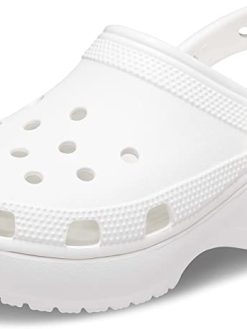 Original Crocs Classic Platform Clog W womens Clog, White, 40 EU
 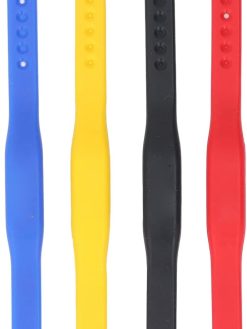 Eujgoov 4PCS NFC Silicone Wristbands Flexible Rewritable Access Control Bracelets for Pool Sauna Room Hotel Elevator Campus Card Parking Lot
  Electric Stainless Steel Kettle with Power Indicator Light and Boil Dry Protection 1.5 L 1800 W KESS4008_NB Navy Blue
  HP 2024 Newest 15 Business Laptop With 15.6" FHD Display, Intel Core i3-1315U Processor |8GB DDR4 RAM |512GB NVMe SSD |Intel Iris Xe Graphics |Backlit Keyboard |Windows 11 Natural silver
 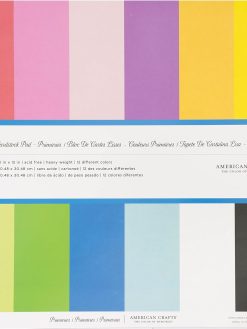 12 X 12-Inch Ac Cardstock Pad By American Crafts | Includes 48 Sheets Of Heavy Weight, Smooth In Various Primary Colors
  Fashion Shoulder Bag | Purple
 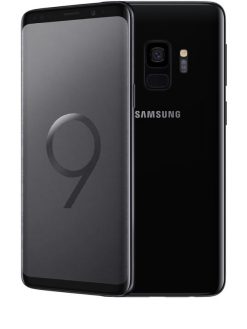 Samsung S9 2 Sim
  Smart Watch for Men Fitness Tracker: (Answer/Make Call) IP68 Waterproof Smartwatch for Android iOS Phone Sport Running Digital Watches with Heart Rate Blood Pressure Sleep Monitor Step Counter Round
 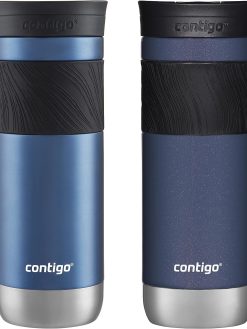 Contigo SnapSeal Insulated Stainless Steel Travel Mug with Grip 2-Pack, 20 oz., Blue Corn Transparent Satin & Midnight Berry
 ![Microsoft Surface Laptop Studio With 14" Pixelsense Display/Intel I5-11300H Processor/16Gb Ram/256Gb Ssd/Windows 11 Home/Platinum - [Thr-00013]](https://www.dxbrunners.com/wp-content/uploads/2024/03/617t44tYtwL._AC_SL1500_-5-247x329.jpg) Microsoft Surface Laptop Studio With 14" Pixelsense Display/Intel I5-11300H Processor/16Gb Ram/256Gb Ssd/Windows 11 Home/Platinum - [Thr-00013]
Microsoft Surface Laptop Studio With 14" Pixelsense Display/Intel I5-11300H Processor/16Gb Ram/256Gb Ssd/Windows 11 Home/Platinum - [Thr-00013] 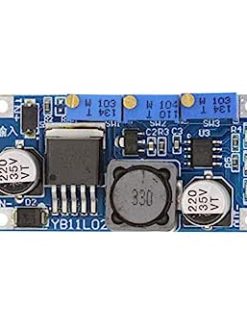 1 Pack LM2596S LED Constant Current & Constant Voltage Driver Power Supply Module
  Lattafa Ameer Al Oudh Intense Oud Eau De Parfum, 100 Ml
  EXCOVIP Mouse Pad, Non-Slip PU Leather Desk Pad Waterproof Desk Pad Protector, Desk Writing Mat for Office Home, Small Size (Black)
 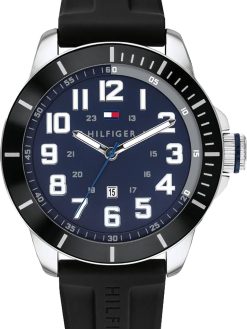 Tommy Hilfiger ESSENTIALS Men Watch, Analog
 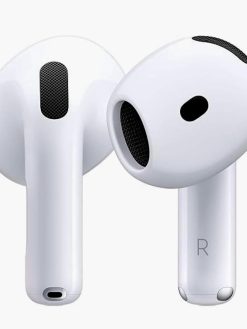 Airpods 4 | Earbuds Bluetooth Headphones with Active Noise Cancellation Adaptive Audio Personalized Spatial AudioUSB-C Charging Case.
  Dr Teal's Body Lotion Citrus, 532 ml (Pack of 2)
  Flower Fusia stud Earrings
  Wintouch M18, 10" IPS/4G-LTE, 2GB RAM, 32GB ROM, 4000MAH/5M CAM, Android 8.1
 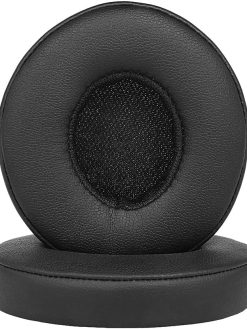 2Pcs Replacement Earpads Ear Pad Cushion for Beats Solo 2/3 On Ear Wireless Headphones Black
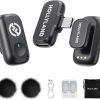
 Hollyland LARK A1 Mini Wireless Microphone for iPhone 15/16 & Android, Pure Sound, Noise Cancellation, Magnetic Microphone for Vlogging, YouTube, TikTok, Podcast (2TX + USB-C RX, No Charging Case)
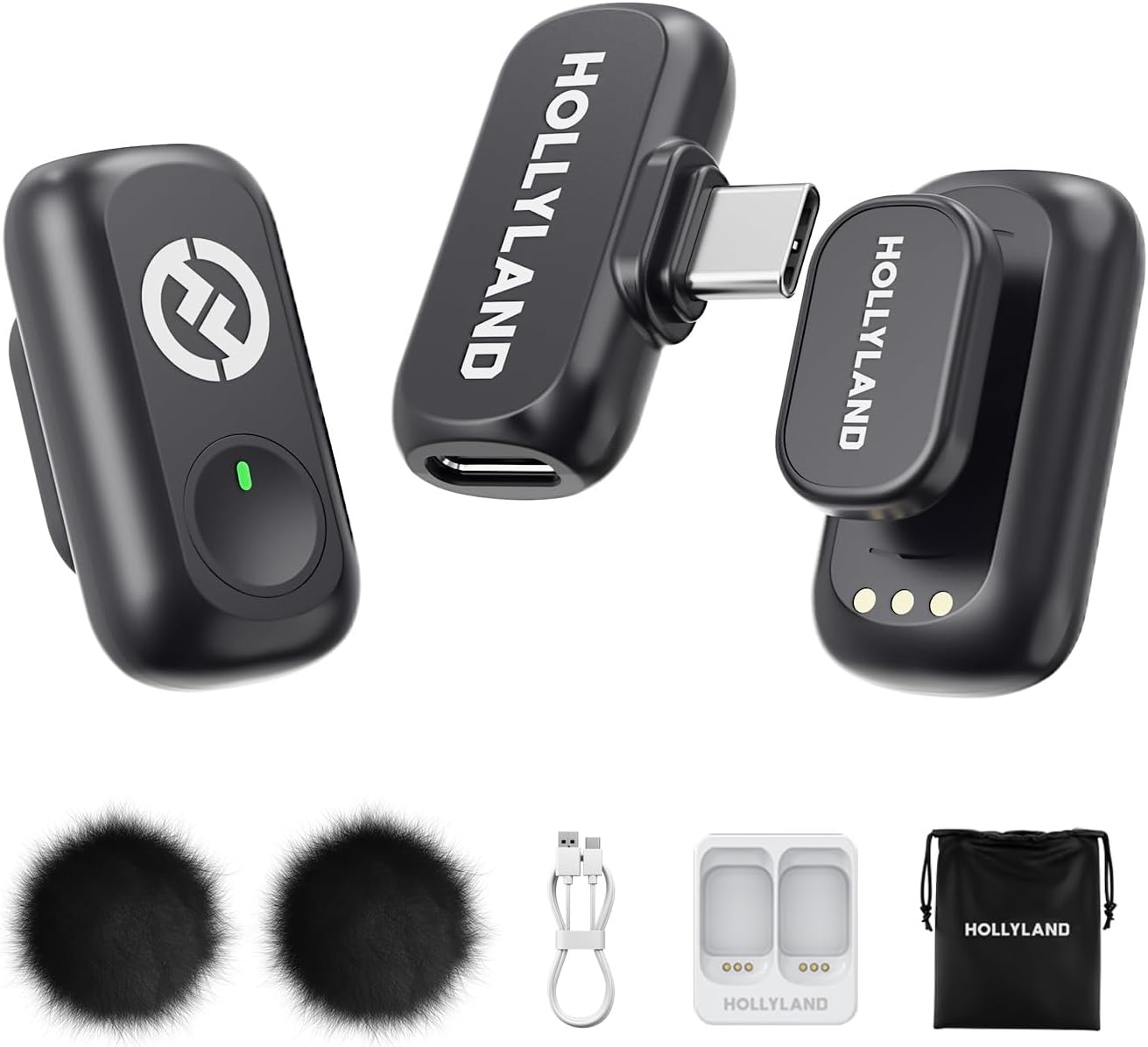
Hollyland LARK A1 Mini Wireless Microphone for iPhone 15/16 & Android, Pure Sound, Noise Cancellation, Magnetic Microphone for Vlogging, YouTube, TikTok, Podcast (2TX + USB-C RX, No Charging Case)
$47.94
Next Shipment In
Order by 12th March
Receive by 24th March
Price includes freight & customs charges.
Hollyland Wireless Microphone
Unleashing Wireless Innovation
“M
: This isn’t just our slogan; it’s our promise. We are dedicated to creating innovative products and services that inspire content creators to push their boundaries and share their unique visions with the world.
C
– Where Wireless Technology Meets Limitless Creativity.
With a high sound pressure level of 120dB SPL, the LARK A1 easily handles sudden loud noises, effectively avoiding distortion. It captures every nuance-from deep lows to crisp highs-with pristine accuracy.
Designed for creators who need ultimate flexibility, the LARK A1 delivers an impressive 200m (650ft) transmission range. Whether you’re filming expansive outdoor scenes or dynamic on-the-go content, its robust anti-interference technology ensures stable, uninterrupted audio. Capture every word with confidence. Forget dropouts and disruptions. Focus on seamless and high-quality sound.
LARK A1 How to pair manualy?
1.RX: Hold pairing button 3s → indicator flashes.
2.TX (off): Long-press power 6s to enter pairing mode.
3.The 2 TX can be individually pairing with the RX.
(Note: Pairing blocked if TX connected. Units pre-paired before shipping.)
What scenarios are the EQ Adjustment and Reverb Adjustment of LARK A1 suitable?
EQ Adjustment: Enhances voice clarity & naturalness. Reverb Adjustment: Adds fullness/thickness to sound.
Three-Level Reverb:
Small: Voice chat, recordings, short videos
Medium: video recording, podcasts
Large: Live singing
What is the TX Identification function of LARK A1?
When turning this function on will show different indicator light
● Purple: TX1
● Yellow: TX2
Note: When the NC on will only show green light
LARK A1 how to turn on mute function?
LARK A1 supports the mute function on TX and RX.
● On the TX side, double press the button to turn on current mic.
● On the RX side, double press the yellow button to mute mic1, triple press to mute mic 2.
Why TX indicator of LARK A1 does not light up?
LARK A1 supports Indicator light switch. After turning off the indicator light on the LARKSOUND APP, the TX indicator light will not light up.

Hollyland Wireless Microphone
Unleashing Wireless Innovation
“M
: This isn’t just our slogan; it’s our promise. We are dedicated to creating innovative products and services that inspire content creators to push their boundaries and share their unique visions with the world.
C
– Where Wireless Technology Meets Limitless Creativity.
With a high sound pressure level of 120dB SPL, the LARK A1 easily handles sudden loud noises, effectively avoiding distortion. It captures every nuance-from deep lows to crisp highs-with pristine accuracy.
Designed for creators who need ultimate flexibility, the LARK A1 delivers an impressive 200m (650ft) transmission range. Whether you’re filming expansive outdoor scenes or dynamic on-the-go content, its robust anti-interference technology ensures stable, uninterrupted audio. Capture every word with confidence. Forget dropouts and disruptions. Focus on seamless and high-quality sound.
LARK A1 How to pair manualy?
1.RX: Hold pairing button 3s → indicator flashes.
2.TX (off): Long-press power 6s to enter pairing mode.
3.The 2 TX can be individually pairing with the RX.
(Note: Pairing blocked if TX connected. Units pre-paired before shipping.)
What scenarios are the EQ Adjustment and Reverb Adjustment of LARK A1 suitable?
EQ Adjustment: Enhances voice clarity & naturalness. Reverb Adjustment: Adds fullness/thickness to sound.
Three-Level Reverb:
Small: Voice chat, recordings, short videos
Medium: video recording, podcasts
Large: Live singing
What is the TX Identification function of LARK A1?
When turning this function on will show different indicator light
● Purple: TX1
● Yellow: TX2
Note: When the NC on will only show green light
LARK A1 how to turn on mute function?
LARK A1 supports the mute function on TX and RX.
● On the TX side, double press the button to turn on current mic.
● On the RX side, double press the yellow button to mute mic1, triple press to mute mic 2.
Why TX indicator of LARK A1 does not light up?
LARK A1 supports Indicator light switch. After turning off the indicator light on the LARKSOUND APP, the TX indicator light will not light up.
You must be logged in to post a review.
![Al-HuTrusHi Screen protector Compatible with Samsung Galaxy S21 Ultra 5G Privacy HD Screen Protector, Anti-Spy Flexible Film TPU Screen Protector [Full Coverage] - Ceramics](https://www.dxbrunners.com/wp-content/uploads/2025/05/61eEXwHvNTL._AC_SL1000_-247x329.jpg)
-37%
Original price was: $140.00.$87.90Current price is: $87.90.
-30%

Electronics
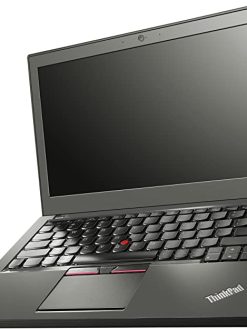
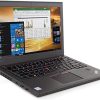
Lenovo ThinkPad X250 Laptop | Intel Core i5-5th Generation | 4GB RAM | 500GB HDD | 12.5 inch Display
Original price was: $200.00.$140.10Current price is: $140.10.
-24%

Original price was: $192.61.$147.29Current price is: $147.29.

Reviews
There are no reviews yet