

-
×
 Asdaaf by Lattafa Ameerat Al Arab Eau De Parfum, 100ml
- Vendor:
-
×
SOLY HUX Men's Graphic Tees T-Shirts Floral Letter Print Crewneck T Shirts Short Sleeve Vintage Summer Tops
- Vendor:
-
×
FENGMINGOO thermal express label printer,Shipping Packages Label Printer Mobile PAD&PC to UPS, Shopify, DHL,eBay, Amazon, etc.(White)
- Vendor:
-
×
Military Smart Watch for Men (Answer/Dial Calls), 1.85" Touch Screen Tactical Smartwatch for iPhone Android, IP68 Waterproof Outdoor Sports Fitness Tracker with AI Voice, Valentines Day Gift for Him
- Vendor:
-
×
Qocifry Mens Fashion Sneakers Breathable High Top Sock Walking Shoes Women
- Vendor:
-
×
Oppo A94 8/128GB /4 Brand New Smartphone
- Vendor:
-
×
NBA| Strap back Bulls Red NBA Cap
- Vendor:
-
×
Samsung Brand New S23+ 512GB Smartphone
- Vendor:
-
×
KSECRET SEOUL 1988 Serum : Retinal Liposome 2% + Black Ginseng, 30ml/1.01fl.oz | 58% Black Ginseng Extract with Retinal, Bakuchiol, Vitamin C & 3 Peptides for Wrinkle Care | Korean Skincare |
- Vendor:
-
×
3 Inspirational Books lady-written Hardcover | Purchase and Supply
- Vendor:
-
×
Digital Temperature Controller Thermocouple with Sensor
- Vendor:
-
×
MIAO LAB 2 PCS Professional Wireless Lavalier adapter, Bluetooth, USB
- Vendor:
-
×
Wintouch K11 Kid Tablet Dual Sim, 10.1 inch IPS LCD, 1 GB RAM, 16 GB ROM
- Vendor:
-
×
Teensy 4.0 (Without Pins)
- Vendor:
-
×
Anne Klein Damenuhr mit Keramikarmband, AK/1018BKBK
- Vendor:
-
×
Solar Charge Controller, Practical No Power Start Solar Panel Regulator Accurate for Household (10A)
- Vendor:
-
×
ORICO 2.5 inch External Hard Drive Enclosure USB 3.0 to SATA III for 7mm and 9.5mm SATA HDD SSD Tool Free [UASP Supported] Blue (25PW1-U3)
- Vendor:
-
×
FreeBuds SE 2 In-ear Earphones, Wireless Bluetooth 5.3, 40-Hour Battery Life, 3 Hours of Music Playback on a 10-Minute Charge, Compact and Comfortable, IP54 Dust and Splash-Resistance Isle Blue
- Vendor:
-
×
Sigma 24-70mm f/2.8 DG OS HSM Art Lens Nikon
- Vendor:
 Asdaaf by Lattafa Ameerat Al Arab Eau De Parfum, 100ml
 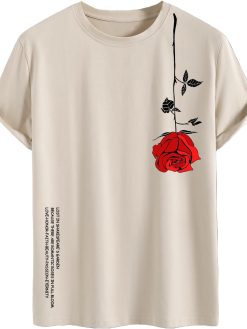 SOLY HUX Men's Graphic Tees T-Shirts Floral Letter Print Crewneck T Shirts Short Sleeve Vintage Summer Tops
 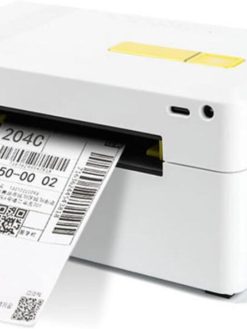 FENGMINGOO thermal express label printer,Shipping Packages Label Printer Mobile PAD&PC to UPS, Shopify, DHL,eBay, Amazon, etc.(White)
 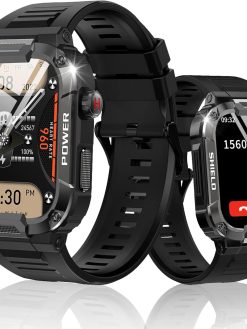 Military Smart Watch for Men (Answer/Dial Calls), 1.85" Touch Screen Tactical Smartwatch for iPhone Android, IP68 Waterproof Outdoor Sports Fitness Tracker with AI Voice, Valentines Day Gift for Him
  Qocifry Mens Fashion Sneakers Breathable High Top Sock Walking Shoes Women
 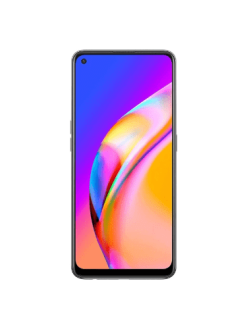 Oppo A94 8/128GB /4 Brand New Smartphone
  NBA| Strap back Bulls Red NBA Cap
 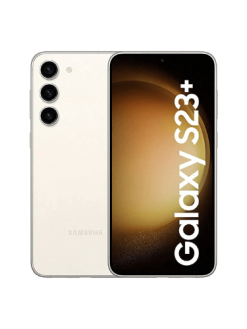 Samsung Brand New S23+ 512GB Smartphone
  KSECRET SEOUL 1988 Serum : Retinal Liposome 2% + Black Ginseng, 30ml/1.01fl.oz | 58% Black Ginseng Extract with Retinal, Bakuchiol, Vitamin C & 3 Peptides for Wrinkle Care | Korean Skincare |
  3 Inspirational Books lady-written Hardcover | Purchase and Supply
 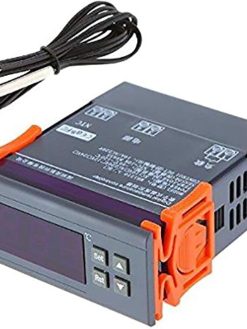 Digital Temperature Controller Thermocouple with Sensor
 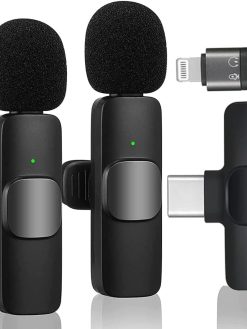 MIAO LAB 2 PCS Professional Wireless Lavalier adapter, Bluetooth, USB
  Wintouch K11 Kid Tablet Dual Sim, 10.1 inch IPS LCD, 1 GB RAM, 16 GB ROM
 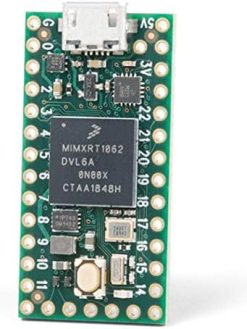 Teensy 4.0 (Without Pins)
 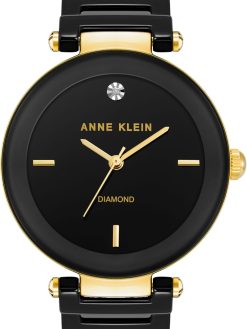 Anne Klein Damenuhr mit Keramikarmband, AK/1018BKBK
 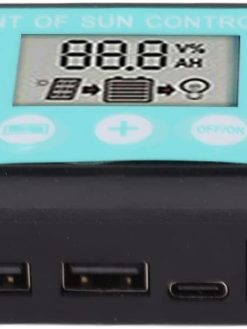 Solar Charge Controller, Practical No Power Start Solar Panel Regulator Accurate for Household (10A)
 ![ORICO 2.5 inch External Hard Drive Enclosure USB 3.0 to SATA III for 7mm and 9.5mm SATA HDD SSD Tool Free [UASP Supported] Blue (25PW1-U3)](https://www.dxbrunners.com/wp-content/uploads/2025/03/61dmN3oWHjL._AC_SL1500_-247x329.jpg) ORICO 2.5 inch External Hard Drive Enclosure USB 3.0 to SATA III for 7mm and 9.5mm SATA HDD SSD Tool Free [UASP Supported] Blue (25PW1-U3)
ORICO 2.5 inch External Hard Drive Enclosure USB 3.0 to SATA III for 7mm and 9.5mm SATA HDD SSD Tool Free [UASP Supported] Blue (25PW1-U3)  FreeBuds SE 2 In-ear Earphones, Wireless Bluetooth 5.3, 40-Hour Battery Life, 3 Hours of Music Playback on a 10-Minute Charge, Compact and Comfortable, IP54 Dust and Splash-Resistance Isle Blue
 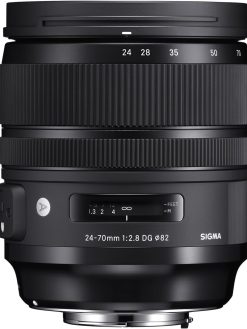 Sigma 24-70mm f/2.8 DG OS HSM Art Lens Nikon
 Hollyland LARK A1 Mini Wireless Microphone for iPhone 15/16 & Android, Pure Sound, Noise Cancellation, Magnetic Microphone for Vlogging, YouTube, TikTok, Podcast (2TX + USB-C RX, No Charging Case)
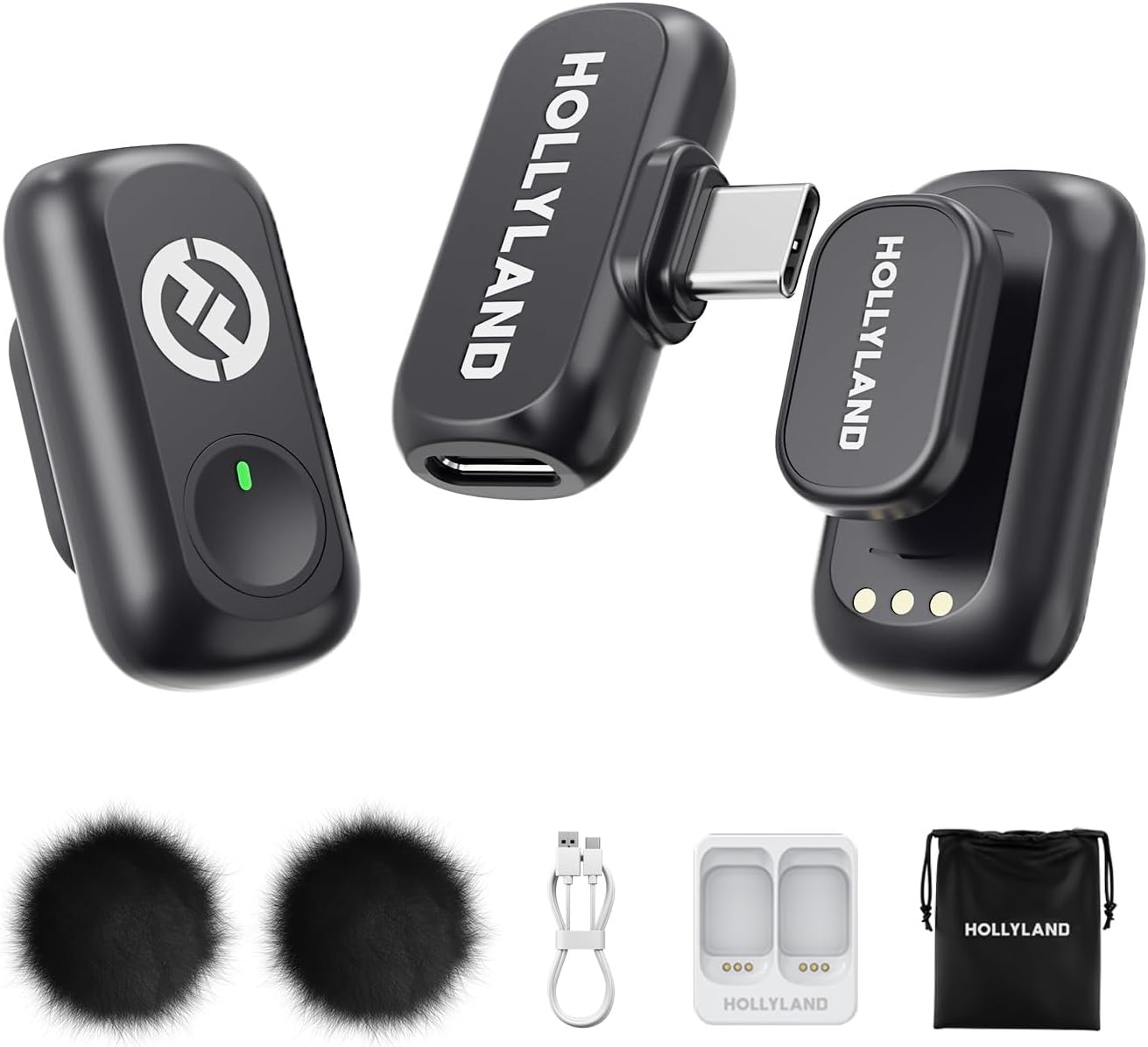
Hollyland LARK A1 Mini Wireless Microphone for iPhone 15/16 & Android, Pure Sound, Noise Cancellation, Magnetic Microphone for Vlogging, YouTube, TikTok, Podcast (2TX + USB-C RX, No Charging Case)
$47.94
Next Shipment In
Order by 12th March
Receive by 24th March
Price includes freight & customs charges.
Hollyland Wireless Microphone
Unleashing Wireless Innovation
“M
: This isn’t just our slogan; it’s our promise. We are dedicated to creating innovative products and services that inspire content creators to push their boundaries and share their unique visions with the world.
C
– Where Wireless Technology Meets Limitless Creativity.
With a high sound pressure level of 120dB SPL, the LARK A1 easily handles sudden loud noises, effectively avoiding distortion. It captures every nuance-from deep lows to crisp highs-with pristine accuracy.
Designed for creators who need ultimate flexibility, the LARK A1 delivers an impressive 200m (650ft) transmission range. Whether you’re filming expansive outdoor scenes or dynamic on-the-go content, its robust anti-interference technology ensures stable, uninterrupted audio. Capture every word with confidence. Forget dropouts and disruptions. Focus on seamless and high-quality sound.
LARK A1 How to pair manualy?
1.RX: Hold pairing button 3s → indicator flashes.
2.TX (off): Long-press power 6s to enter pairing mode.
3.The 2 TX can be individually pairing with the RX.
(Note: Pairing blocked if TX connected. Units pre-paired before shipping.)
What scenarios are the EQ Adjustment and Reverb Adjustment of LARK A1 suitable?
EQ Adjustment: Enhances voice clarity & naturalness. Reverb Adjustment: Adds fullness/thickness to sound.
Three-Level Reverb:
Small: Voice chat, recordings, short videos
Medium: video recording, podcasts
Large: Live singing
What is the TX Identification function of LARK A1?
When turning this function on will show different indicator light
● Purple: TX1
● Yellow: TX2
Note: When the NC on will only show green light
LARK A1 how to turn on mute function?
LARK A1 supports the mute function on TX and RX.
● On the TX side, double press the button to turn on current mic.
● On the RX side, double press the yellow button to mute mic1, triple press to mute mic 2.
Why TX indicator of LARK A1 does not light up?
LARK A1 supports Indicator light switch. After turning off the indicator light on the LARKSOUND APP, the TX indicator light will not light up.

Hollyland Wireless Microphone
Unleashing Wireless Innovation
“M
: This isn’t just our slogan; it’s our promise. We are dedicated to creating innovative products and services that inspire content creators to push their boundaries and share their unique visions with the world.
C
– Where Wireless Technology Meets Limitless Creativity.
With a high sound pressure level of 120dB SPL, the LARK A1 easily handles sudden loud noises, effectively avoiding distortion. It captures every nuance-from deep lows to crisp highs-with pristine accuracy.
Designed for creators who need ultimate flexibility, the LARK A1 delivers an impressive 200m (650ft) transmission range. Whether you’re filming expansive outdoor scenes or dynamic on-the-go content, its robust anti-interference technology ensures stable, uninterrupted audio. Capture every word with confidence. Forget dropouts and disruptions. Focus on seamless and high-quality sound.
LARK A1 How to pair manualy?
1.RX: Hold pairing button 3s → indicator flashes.
2.TX (off): Long-press power 6s to enter pairing mode.
3.The 2 TX can be individually pairing with the RX.
(Note: Pairing blocked if TX connected. Units pre-paired before shipping.)
What scenarios are the EQ Adjustment and Reverb Adjustment of LARK A1 suitable?
EQ Adjustment: Enhances voice clarity & naturalness. Reverb Adjustment: Adds fullness/thickness to sound.
Three-Level Reverb:
Small: Voice chat, recordings, short videos
Medium: video recording, podcasts
Large: Live singing
What is the TX Identification function of LARK A1?
When turning this function on will show different indicator light
● Purple: TX1
● Yellow: TX2
Note: When the NC on will only show green light
LARK A1 how to turn on mute function?
LARK A1 supports the mute function on TX and RX.
● On the TX side, double press the button to turn on current mic.
● On the RX side, double press the yellow button to mute mic1, triple press to mute mic 2.
Why TX indicator of LARK A1 does not light up?
LARK A1 supports Indicator light switch. After turning off the indicator light on the LARKSOUND APP, the TX indicator light will not light up.
You must be logged in to post a review.

-32%
-30%
Original price was: $69.46.$48.51Current price is: $48.51.
-51%

Original price was: $24.60.$12.15Current price is: $12.15.



Reviews
There are no reviews yet