

-
×
 Dell (Refurbished) Latitude 5300 Business Laptop PC. | intel Quad-Core℠i5-8365U Up to 4.10 GHz. CPU | 16GB RAM | 512GB SSD | 13.3 inch Non-Touch Display | Windows 10 Pro
- Vendor:
-
×
Oppo A53 2GB +16GB) | Renewed
- Vendor:
-
×
 Wintouch K93, 9", WiFi, Quad-core, Android 6.0, 1GB RAM, 16GB ROM
- Vendor:
-
×
Tecno Pop 7 64+2GB, 6.6 inch Big Screen, Capri Blue
- Vendor:
-
×
 Michael Kors East West Chain, Brown
- Vendor:
-
×
Sony PlayStation 5 SLIM Disc [ NEW 2023 Model ] - International Version
- Vendor:
-
×
Oppo A9 2020 8 GB RAM +128 GB RAM
- Vendor:
-
×
KP-108IN CP1300 Ink and Paper Compatible for Canon Selphy CP1300 CP1500 CP1200 CP1000 CP910 CP900 CP810 CP760 CP770 CP780, KP108 3 Color Ink Cartridges and 108 Sheets Glossy 4x6 Photo Paper
- Vendor:
-
×
Forever Living Bee Pollen Tablets (100 Pieces)
- Vendor:
-
×
Kid and Adult Swimming Exercise Training Equipmen Float Belt (Blue)
- Vendor:
-
×
Les Grandes Dark Chocolate with Hazelnut 150g
- Vendor:
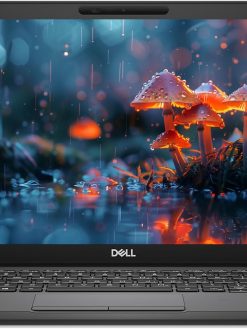 Dell (Refurbished) Latitude 5300 Business Laptop PC. | intel Quad-Core℠i5-8365U Up to 4.10 GHz. CPU | 16GB RAM | 512GB SSD | 13.3 inch Non-Touch Display | Windows 10 Pro
 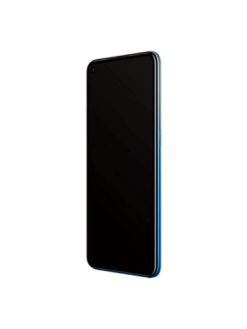 Oppo A53 2GB +16GB) | Renewed
  Wintouch K93, 9", WiFi, Quad-core, Android 6.0, 1GB RAM, 16GB ROM
 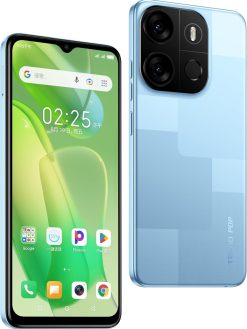 Tecno Pop 7 64+2GB, 6.6 inch Big Screen, Capri Blue
  Michael Kors East West Chain, Brown
 ![Sony PlayStation 5 SLIM Disc [ NEW 2023 Model ] - International Version](https://www.dxbrunners.com/wp-content/uploads/2025/01/51KBX8ycq1L._AC_SL1140_-247x329.jpg) Sony PlayStation 5 SLIM Disc [ NEW 2023 Model ] - International Version
Sony PlayStation 5 SLIM Disc [ NEW 2023 Model ] - International Version 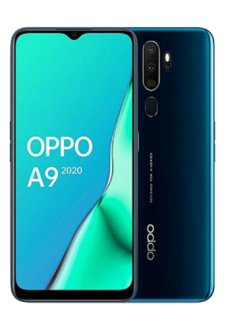 Oppo A9 2020 8 GB RAM +128 GB RAM
 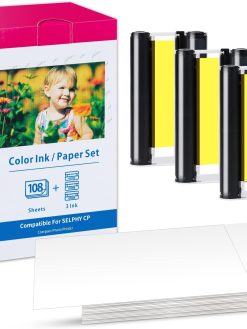 KP-108IN CP1300 Ink and Paper Compatible for Canon Selphy CP1300 CP1500 CP1200 CP1000 CP910 CP900 CP810 CP760 CP770 CP780, KP108 3 Color Ink Cartridges and 108 Sheets Glossy 4x6 Photo Paper
  Forever Living Bee Pollen Tablets (100 Pieces)
  Kid and Adult Swimming Exercise Training Equipmen Float Belt (Blue)
  Les Grandes Dark Chocolate with Hazelnut 150g
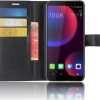
 LCD Screen for HTC U11 Eyes with Digitizer Full Assembly (Black)
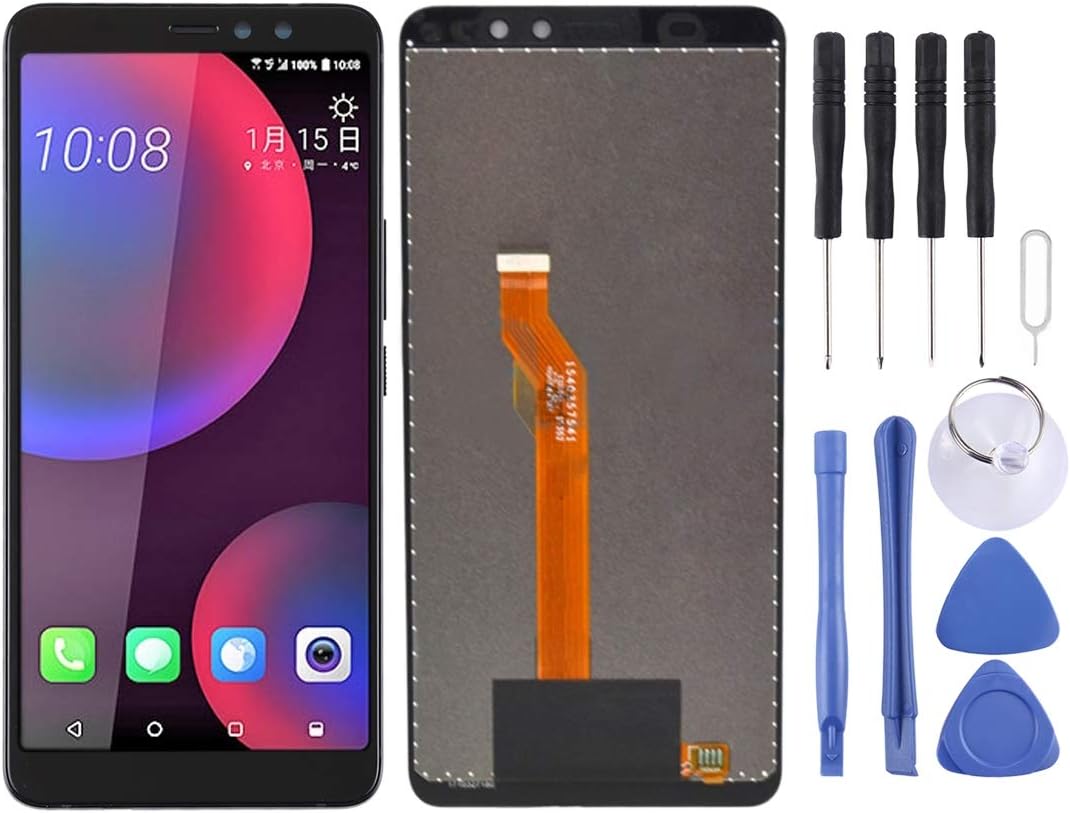
LCD Screen for HTC U11 Eyes with Digitizer Full Assembly (Black)
$67.90
Next Shipment In
Order by 12th March
Receive by 24th March
Price includes freight & customs charges.
About the product 1. Replacement LCD display + touch screen digitizer assembly for HTC U11 Eyes. 2. Replace the old, broken, cracked, damaged one. 3. Make your device look more refreshing than ever. 4. Completely fit and work. 5. Each item has been checked and in good condition before shipping. 6. Professional installation is highly recommended. We will not be responsible once the screen is installed. Before Installation Notes 1. Tips 1: Test before installation When testing, do not remove any protective film or tags. Please pay attention to the problem of static electricity. Before attempting any repair, be sure to ground yourself is an ESD (electro static discharge) strap. This will prevent static electricity from damaging the electronic components within the phone. Ensure you wear eye protection and use caution not to cut your finger with the glass splinters. 2. Tips 2: Simulates testing Screen replacement is very fragile product. We strongly suggest test before installation. Please simulates testing, which means mobile phone apart, (motherboard + LCD or screen) connected audio cable and new replacement, power on, test finished. If test OK, please install it. If it can not show, please contact us at the very first time. And please do not force it to be installed in mobile phone. We will not be responsible once the screen is installed. 3. Tips 3: Do not over-bend cable Please make sure LCD cable Do not over-bend. Over 90 degrees bent will cause black display.

About the product 1. Replacement LCD display + touch screen digitizer assembly for HTC U11 Eyes. 2. Replace the old, broken, cracked, damaged one. 3. Make your device look more refreshing than ever. 4. Completely fit and work. 5. Each item has been checked and in good condition before shipping. 6. Professional installation is highly recommended. We will not be responsible once the screen is installed. Before Installation Notes 1. Tips 1: Test before installation When testing, do not remove any protective film or tags. Please pay attention to the problem of static electricity. Before attempting any repair, be sure to ground yourself is an ESD (electro static discharge) strap. This will prevent static electricity from damaging the electronic components within the phone. Ensure you wear eye protection and use caution not to cut your finger with the glass splinters. 2. Tips 2: Simulates testing Screen replacement is very fragile product. We strongly suggest test before installation. Please simulates testing, which means mobile phone apart, (motherboard + LCD or screen) connected audio cable and new replacement, power on, test finished. If test OK, please install it. If it can not show, please contact us at the very first time. And please do not force it to be installed in mobile phone. We will not be responsible once the screen is installed. 3. Tips 3: Do not over-bend cable Please make sure LCD cable Do not over-bend. Over 90 degrees bent will cause black display.
You must be logged in to post a review.
-15%

Original price was: $69.09.$58.67Current price is: $58.67.


-40%





Reviews
There are no reviews yet